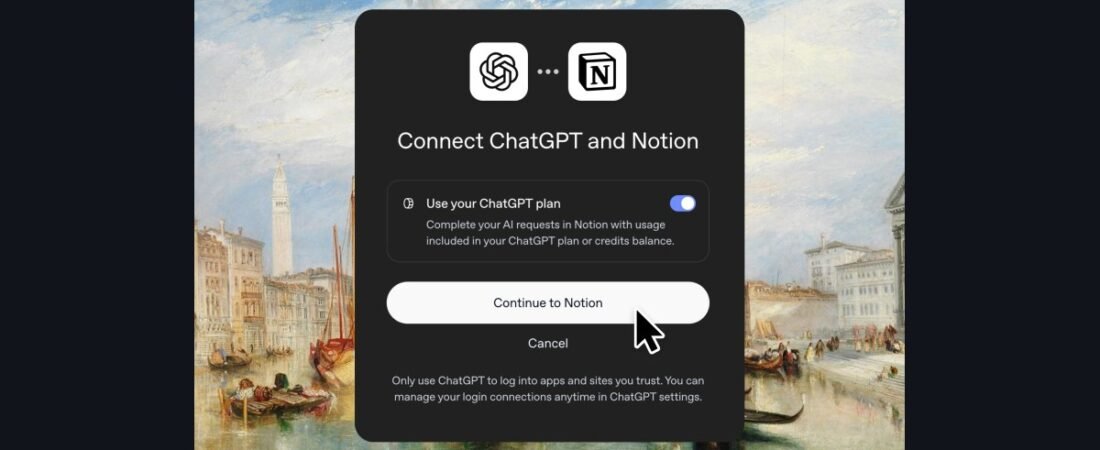
Notion AI vs ChatGPT is one of the most common questions small business owners ask us, and in October 2026 the answer changed. Both tools now write, research, summarize meetings and run AI agents, and both cost about the same per seat. But they are built around different ideas. ChatGPT is an AI assistant that can reach into your other apps. Notion AI is an AI layer inside the workspace where your documents, projects and wiki already live. And since Notion 3.8, a ChatGPT plan can even pay for some of your AI usage inside Notion. This comparison uses current official pricing and our own reviews of both tools to show which one fits your business, and when it makes sense to use both.
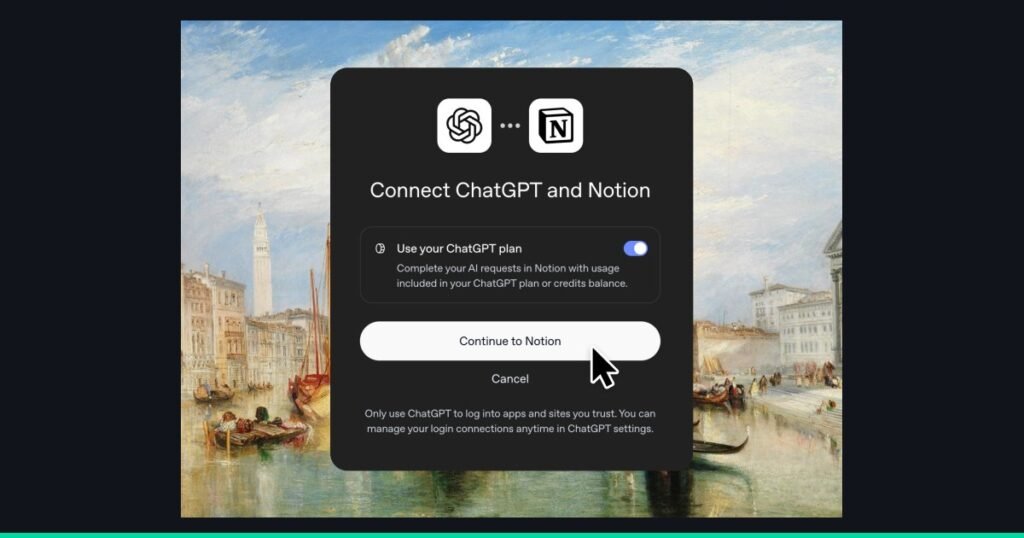
Notion’s official image of a ChatGPT plan connected to Notion Agent, a feature added in Notion 3.8. Source: Notion, official image.
Quick Verdict: Notion AI vs ChatGPT
If you only read one section, read this one. In our testing and reviews, ChatGPT is the stronger standalone AI tool and Notion AI is the stronger AI for a team that keeps its work in one shared workspace. They overlap less than the headlines suggest.
Choose Notion AI if
Your team already runs on Notion, or wants one place for docs, projects, a wiki and AI. Its biggest strength is that the AI already knows your workspace.
Choose ChatGPT if
You want the most capable general assistant for writing, research, analysis, files, images and voice, and your work is spread across many apps.
Use both if
You are a Notion team that also relies on ChatGPT. Since Notion 3.8, eligible ChatGPT plans can cover Notion Agent usage on GPT models.
| Notion AI | ChatGPT | |
|---|---|---|
| Our score | 7.5 / 10 | 8.0 / 10 |
| What it is | AI built into a docs, wiki and project workspace | A general AI assistant with apps, files and agents |
| Full AI starts at | Business plan, $20 per member a month billed annually | Plus, $20 a month for one person; Business from $20 per seat a month billed annually |
| Free option | Free and Plus plans include a limited AI trial | Free plan (with ads) and Go plan at $8 a month (with ads) |
| Best at | Answers grounded in your own pages, databases and connected apps | Reasoning, writing, research, data analysis, images, voice and finished deliverables |
| Biggest drawback | Steep learning curve, and full AI is locked to Business | Knows little about your business unless you connect apps or upload files |
Scores from our full reviews. Prices from notion.com/pricing and OpenAI’s pricing and help pages, checked October 21, 2026. Prices are in US dollars and change often, so confirm before you buy.
What Each Tool Actually Is
The most useful way to think about Notion AI vs ChatGPT is to start with where your information lives, because that is what each tool was designed around.
Notion AI: AI inside your workspace
Notion is a connected workspace for documents, wikis, project trackers and databases. Notion AI is the layer of AI features built into it. Since Notion 3.0, the center of that layer is Notion Agent, which can create pages, edit databases and complete multi-step tasks using your workspace as context. On the Business plan you also get AI Meeting Notes (no bot joins your call), Enterprise Search across Notion and connected apps such as Slack and GitHub, and Custom Agents that run in the background on schedules or triggers.
The key point is context. When you ask Notion AI to “draft the onboarding email for our newest client,” it can look up the client page, the onboarding checklist and last week’s meeting notes without you pasting anything in. Our Notion AI review covers each feature in detail, and our step-by-step Notion AI guide shows how to set it up.
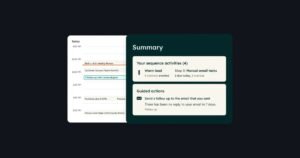
Notion’s official product image. Source: Notion.
ChatGPT: a general assistant that reaches into your apps
ChatGPT is OpenAI’s AI assistant, and in 2026 it is much more than a chat window. According to our ChatGPT review, it now has three modes in one app: Chat for everyday questions, Work for multi-step tasks that produce a finished spreadsheet, document, deck or small web app, and Codex for software development. It also includes Deep Research, Projects, voice, image generation and plugins that connect to tools such as Slack, Gmail, Google Drive, Salesforce and Shopify.
OpenAI keeps adding workplace features. In late September 2026 it launched Dots, always-on agents that keep working on tasks after you close the chat, for Pro and Business Premium users. In October it added ChatGPT Slides for presentations, which we covered in our ChatGPT Slides news story.
The key point here is breadth. ChatGPT is better at more kinds of work, but it starts each task knowing little about your business unless you connect your apps, upload files or set up a Project.
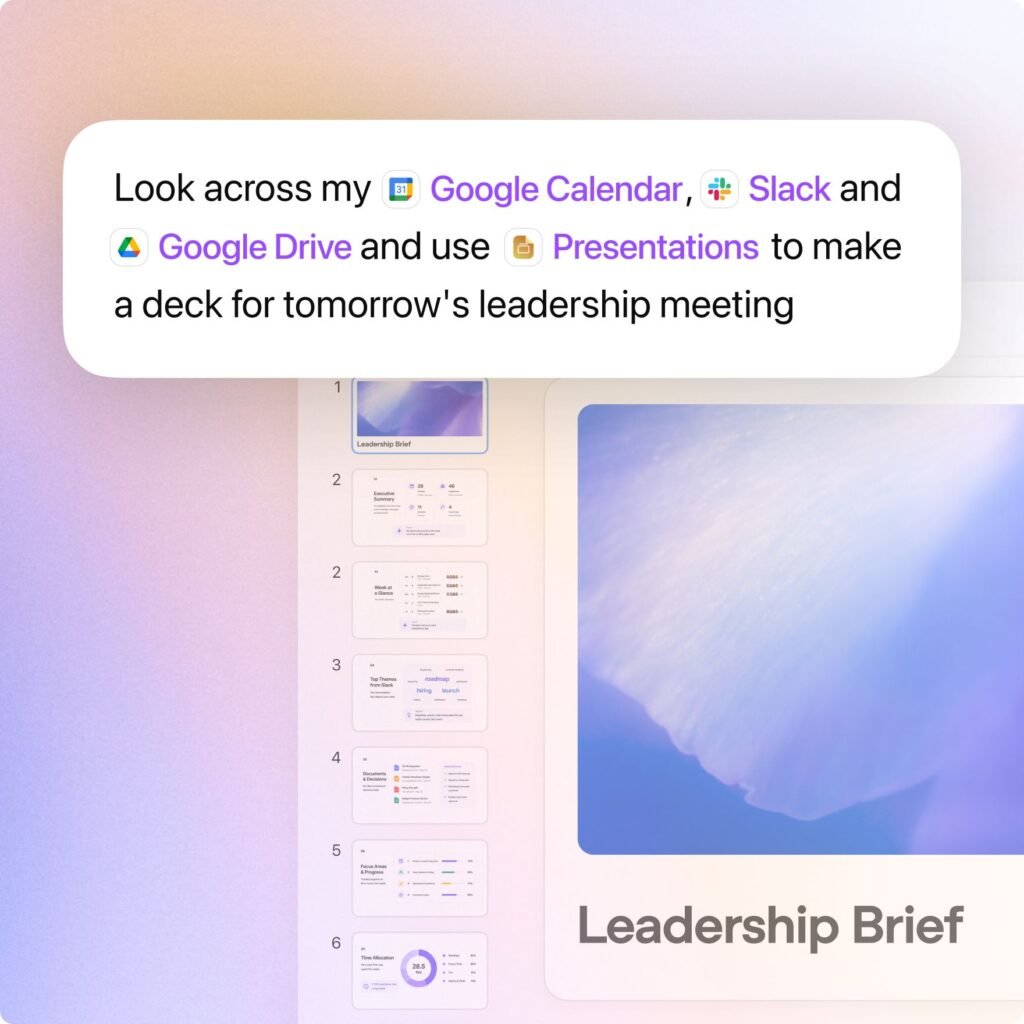
ChatGPT Business, OpenAI’s plan for teams. Source: OpenAI, official image.
Notion AI vs ChatGPT: Pricing Compared
On price, Notion AI vs ChatGPT is closer than it has ever been. For a team, both start at about $20 per person a month on annual billing. The difference is in what you get at the cheaper tiers and what costs extra.
Notion pricing
| Plan | Price | AI included |
|---|---|---|
| Free | $0 | Limited AI trial |
| Plus | $10 per member a month (annual) | Limited AI trial only |
| Business | $20 per member a month (annual), $24 monthly | Notion Agent, AI Meeting Notes, Enterprise Search, premium connections |
| Enterprise | Custom | Everything in Business, plus zero data retention with AI providers and advanced admin controls |
| Custom Agents add-on | $10 per 1,000 Notion credits | Background agents on Business and Enterprise, billed by usage |
The catch, which we flagged in our Notion AI review, is that Notion retired its old standalone AI add-on for new customers. Full Notion AI now requires the Business plan. Free and Plus users get a limited number of AI responses to try it, and Notion does not publish the exact limit. Custom Agents also cost extra on top of the seat price, drawn from a shared pool of Notion credits that resets monthly with no rollover.
ChatGPT pricing
| Plan | Price | Notes |
|---|---|---|
| Free | $0 | Ad-supported, tight limits on advanced features |
| Go | $8 a month | More usage than Free, still ad-supported |
| Plus | $20 a month | Advanced reasoning models, Deep Research, Projects, ChatGPT Work |
| Pro | $100, $200 or $500 a month | Three usage tiers, includes a first Dot (always-on agent) |
| Business (Standard) | $20 per seat a month (annual), $25 monthly | Minimum 2 seats, admin controls, OpenAI does not train on your workspace data |
| Business (Premium) | $100 per seat a month (annual), $125 monthly | Higher limits, includes a first Dot |
| Enterprise | Custom | Advanced security, data residency and support |
ChatGPT Business prices from OpenAI’s “What is ChatGPT Business?” help page. Plus, Go and Pro prices from OpenAI’s plan pages as summarized by Layer3Labs (September 2026), because OpenAI’s pricing page did not display figures when we checked.
What this means in practice: a solo owner can get a very capable ChatGPT for $20 a month. To get the full Notion AI experience you need a Notion Business seat at $20 to $24 a month, but that price also buys the whole Notion workspace, not just the AI. If you were going to pay for Notion Business anyway, the AI is effectively included. If you were not, Notion AI is the more expensive way to buy an AI assistant.
Notion AI vs ChatGPT, Feature by Feature
Here is how the two tools compare on the jobs small businesses use AI for most. Notion AI details come from Notion’s pricing and help pages and our review. ChatGPT details come from OpenAI’s pricing and help pages and our review.
| Job | Notion AI | ChatGPT |
|---|---|---|
| Writing and editing | Good, and works directly inside your pages | Excellent, with more control over tone, length and format |
| Answers about your business | Excellent. Searches your workspace and connected apps | Good once you connect apps or add files to a Project |
| Research on the web | Research mode (beta) builds reports from your workspace, apps and the web | Excellent. Deep Research runs multi-step web research with citations |
| Meeting notes | Built in on Business, no bot joins the call | Possible through recordings and plugins, not a core feature |
| Agents | Notion Agent, plus Custom Agents that run on schedules or triggers | ChatGPT Work and agent, plus Dots on Pro and Business Premium |
| Connections | 150+ tools via MCP since Notion 3.8, including HubSpot, Stripe and GitHub | Plugins for apps such as Slack, Gmail, Google Drive, Salesforce and Shopify |
| Choice of AI model | Owners choose from several models, including OpenAI and Anthropic models | OpenAI models only |
| Files, data and images | Works with content in your workspace | Uploads, spreadsheet analysis, charts, image generation and voice |
| Training on your data | Workspace data-sharing setting; zero data retention with AI providers on Enterprise | Not used for training on Business and Enterprise; individual plans can opt out |
Where Notion AI Wins
- It already knows your business. If your client notes, procedures and project trackers live in Notion, Notion AI can use them as context with no setup. This is the single biggest reason to pick it.
- It works where the output belongs. A summary or task list lands on the right page or database, not in a chat you have to copy from.
- Meeting notes without a bot. AI Meeting Notes on the Business plan records and summarizes calls without adding a visible note-taker to the meeting.
- Background agents for routine work. Custom Agents can answer repeat questions in Slack, route requests or compile a weekly report on a schedule. They cost extra credits, but they run without anyone prompting them.
- Model choice. Workspace owners can choose which AI models the team uses, including models from OpenAI and Anthropic, and set a default. ChatGPT only offers OpenAI’s models.
- Reusable Skills. Since Notion 3.7, teams can save a process once as a Skill, and since Notion 3.8 those Skills sync with ChatGPT, Claude and other agents through the Skills API.
Where ChatGPT Wins
- Raw capability. For writing, reasoning, analysis and problem solving, ChatGPT is the stronger tool. It is the one we reach for when the task is hard.
- Finished deliverables. ChatGPT Work can turn a goal into a spreadsheet, document, slide deck or small web app. Notion AI mostly produces content inside Notion pages.
- Deep Research. For market research, competitor scans or checking a supplier, ChatGPT’s Deep Research is more thorough on the open web.
- Files, data and media. Upload a spreadsheet and get charts, generate images, or talk to it by voice. Notion AI is not built for this.
- A real free tier and a cheap solo plan. A one-person business can do a lot with Free, Go or Plus. Notion’s full AI starts at a Business seat.
- Easier to learn. ChatGPT is a chat box. Notion’s block-based system is one of the steepest learning curves in this category, which is why it scored 6 out of 10 for ease of use in our review.
Using Notion AI and ChatGPT Together
For many teams, the honest answer to Notion AI vs ChatGPT is “both,” and Notion has made that cheaper. Notion 3.8, released October 13, 2026, added three changes that connect the two tools. We covered them in our Notion 3.8 news story:
- Use your ChatGPT plan to pay for Notion Agent. Members of a Notion Business or Enterprise workspace who have a ChatGPT Plus, Pro or Go plan can connect it to Notion Agent. When they pick a GPT model, that usage is covered by their ChatGPT plan instead of the workspace’s Notion credits, and Notion says it adds no markup. It does not cover Custom Agents, and choosing Auto or a non-GPT model still uses Notion credits.
- Connect outside agents to Notion. Any agent that supports the Model Context Protocol (MCP) can read and update your Notion pages and task trackers. Connected agents act with your permissions, so they can see anything you can see.
- Keep Skills in sync. The Skills API keeps instructions written in Notion in sync with ChatGPT, Claude and other agents, so your proposal template or report format stays the same everywhere.
A practical setup for a small team: keep Notion as the home for client records, procedures and projects, use Notion Agent for workspace tasks, and use ChatGPT for heavy research, analysis and finished deliverables. Then connect the two so neither tool works without context.
Notion AI vs ChatGPT: Which Should You Choose?
Use these scenarios to settle Notion AI vs ChatGPT for your business. Each one assumes you want to pay for only what you will use.
You are a solo owner or freelancer
Start with ChatGPT Plus. At $20 a month it covers writing, research, proposals, spreadsheets and images. Use Notion’s free plan for notes if you like it, but you do not need Notion AI to get value from AI.
Your team already runs on Notion
Upgrade to Notion Business if you are not already on it. The AI that knows your workspace is worth more to you than a separate assistant that does not. Add ChatGPT for the people who do heavy research or analysis, and connect their plans to Notion Agent.
Your work is spread across Google Workspace, Slack and a CRM
Choose ChatGPT Business. Connecting the apps you already use is easier than moving everything into Notion to make Notion AI useful. If your CRM is HubSpot, our guide to using HubSpot CRM shows how to set it up first.
You need meeting notes and a shared team wiki
Lean toward Notion Business. Built-in meeting notes that file themselves next to your projects are hard to match with ChatGPT alone.
You handle sensitive client data
Avoid individual plans for client work in either tool. Use ChatGPT Business or Enterprise, where OpenAI does not train on your data, or Notion Enterprise for zero data retention with AI providers. Check your own obligations before putting regulated data into any AI tool.
What a Small Team Actually Pays
The real cost of Notion AI vs ChatGPT depends on how many people need each tool. Here is a worked example for a five-person team on annual billing, using the list prices above. Your numbers will differ with taxes, discounts and usage.
| Setup | Monthly cost | What you get |
|---|---|---|
| ChatGPT Business only | 5 x $20 = $100 | Full ChatGPT for everyone, admin controls, no training on your data |
| Notion Business only | 5 x $20 = $100 | Full Notion workspace plus Notion AI, meeting notes and Enterprise Search |
| Notion Business + ChatGPT Business for everyone | $100 + $100 = $200 | Both tools for all five people |
| Notion Business + ChatGPT Plus for 2 power users | $100 + $40 = $140 | Notion for the team, ChatGPT for the two heaviest users, whose plans can also cover their Notion Agent GPT usage |
Custom Agents in Notion are billed separately at $10 per 1,000 credits. ChatGPT Business requires at least two seats.
The last row is often the best value for a Notion team. Not everyone needs a full ChatGPT seat, and the people who do can now put that plan to work inside Notion too.
Mistakes to Avoid
- Buying Notion Plus for the AI. Plus only includes a limited AI trial. Full Notion AI needs Business.
- Treating Custom Agent credits as included. They are a separate, usage-based cost shared across the workspace. Set a budget before turning on a busy agent.
- Putting client data in a personal ChatGPT account. Individual plans use content for training unless you opt out. Use Business for client work.
- Connecting an agent with too much access. An agent connected to Notion through MCP can see everything you can. Check your page permissions first.
- Trusting AI output without checking it. Both tools can be confidently wrong. Our guide to using AI in a small business covers simple review rules for AI-generated work.
Notion AI vs ChatGPT is only one decision. Comparing more than these two? Our AI tools buyer’s guide scores 20 tools across writing, design, sales and automation.
FAQ
Sources and References
- Notion: Pricing, checked October 21, 2026.
- Notion Help Center: Notion AI FAQs.
- Notion: Release notes, Notion 3.7 (September 15, 2026) and Notion 3.8 (October 13, 2026).
- OpenAI: ChatGPT pricing, checked October 21, 2026.
- OpenAI Help Center: What is ChatGPT Business?
- Layer3Labs: How Much Is ChatGPT in 2026?, September 9, 2026.
- Reworked: OpenAI introduces always-on Dots agents, September 30, 2026.
- VeyronIQ: Notion AI review and ChatGPT review.
Picked Notion? Our step-by-step Notion AI guide walks you through setup, Skills and your first Custom Agent. Picked ChatGPT? Read our full ChatGPT review to choose the right plan.


Start the discussion