Canva now makes its own AI images. On October 22, 2026, the company launched Canva Craft, the first image generation model built entirely in-house by its research team. Until now, Canva’s image tools relied on models from partners and acquisitions. Canva Craft is trained on millions of designer-made templates rather than mostly photographs, and Canva says that makes it better at the things small businesses actually need: readable text, sensible layouts and images you can edit afterwards. Here is what launched, where you can use it, how it ranks, and what is still unclear.
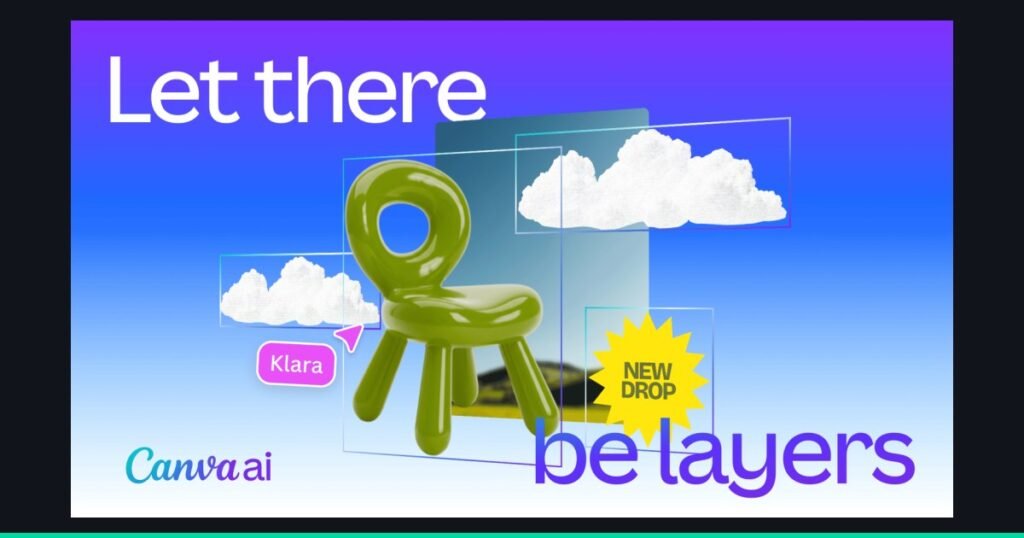
Magic Layers, which can turn an AI image into separate editable layers. Canva says it works with Craft output. Source: Canva, official image.
What Launched
Canva announced Canva Craft on October 22, 2026, in its newsroom and on X. The key points:
- Built in-house. Craft is the first image model made entirely by Canva Research, a group of more than 160 AI researchers and engineers formed in 2025, including teams from Kaleido and Leonardo.ai, both of which Canva acquired.
- Design-first training. Canva says Craft was trained partly on millions of templates from its library, such as posters, menus, infographics, slides and social graphics, then refined with feedback from in-house designers.
- Output. Images up to 2K resolution in more than 30 aspect ratios.
- Languages. Prompts work in any language, and text inside images supports 55 languages, according to launch coverage.
- Availability. Live globally in Dream Lab inside Canva, and for developers through Canva’s public API. Support in Canva’s MCP server, which lets outside AI assistants use Canva, is listed as coming soon.
- Faster versions coming. Canva says Craft-fast and Craft-ultrafast are in development, with no dates or prices announced.
How Canva Craft Works
Most image generators go straight from your prompt to a finished picture. Canva Craft splits the job in two:
- A planner first works out the layout: which objects appear, where they sit, how big they are, what matters most and what text the image needs.
- A renderer then draws the final image from that plan.
Canva says this is why Canva Craft is better at legible text and well-placed elements, two things AI images have long struggled with. It also lets you change one part of an image while keeping the rest the same, rather than regenerating everything.
The second half of the story is editability. Craft itself produces an image, but Canva pairs it with Magic Layers, the tool it launched at Canva Create in April that splits a flat image into separate, editable elements. In practice that means you can generate a poster background with Canva Craft, then move, resize or replace pieces of it like any other Canva design. We covered Magic Layers in our Canva AI review.
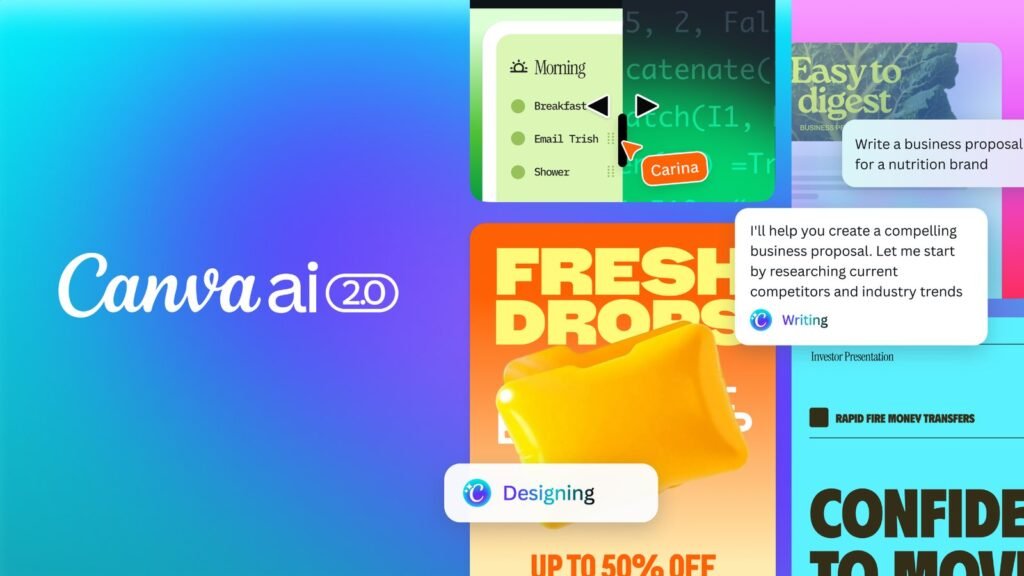
Canva AI, the assistant that sits across Canva’s editor. Craft is Canva’s own model for its image generation. Source: Canva, official image.
Where You Can Use It
There are two ways to use Canva Craft today:
| Where | Who it is for | Details |
|---|---|---|
| Dream Lab in Canva | Anyone using Canva | Open Dream Lab from the side panel in the editor. Canva says Craft is available globally. |
| Canva public API | Developers and agencies | Model name craft_v1_2k. Requests use the account’s AI credits. Canva’s developer forum says to expect roughly 50 to 60 seconds per image end to end. |
| Canva MCP server | Outside AI assistants | Listed as coming soon, so assistants that connect to Canva cannot call Craft yet. |
Canva has not published how Canva Craft generations count against each plan’s monthly AI allowance. As our Canva AI review explains, the free plan includes up to 20 Standard or Premium AI uses a month and Canva Pro (US$144 a year) raises that to up to 200 Premium or 20 Ultra uses. Check the usage meter in your account after a few generations before relying on Craft for a large batch of work.
How It Ranks
Canva says Canva Craft debuted fourth overall on DesignArena, a public leaderboard where people vote between images from competing models. Based on Canva’s figures, as reported by BetaNews:
- First in the People and Portraits and the Landscapes and Nature categories.
- Second in Abstract and Patterns, and fourth in Products.
- An overall rating of 1330 on October 23, slightly down from 1340 at launch, with three OpenAI models ranked above it.
These are company-reported numbers from launch week, and leaderboard positions move as votes come in. A high ranking also does not tell you whether Canva Craft will match your brand. Our Midjourney review is a useful comparison if image quality is your main concern, since Midjourney remains a strong choice for artistic and photographic work.
What We Do Not Know Yet
- Plan limits. Canva has not said how many Canva Craft images each plan includes, or whether Craft counts as a Standard, Premium or Ultra AI use.
- Speed in the editor. The 50 to 60 second figure comes from Canva’s developer forum for API requests. Speed inside Dream Lab may differ.
- Reference images. Canva says support for reference images and more editing tools is planned, so you cannot yet guide Craft with your own product photos.
- Independent testing. The quality, speed and training claims all come from Canva. We have not tested Canva Craft ourselves yet.
On safety, Canva says Craft is covered by Canva Shield, its program that screens prompts and results, provides privacy controls and lets users report harmful content.
What It Means for Small Businesses
For most small businesses, Canva Craft matters less as a model and more as a workflow change: the image generator now sits inside the same tool you use to finish the design, and it is built for designs rather than photos. Here is how to approach it:
- Try it on text-heavy graphics first. Menus, event posters, sale announcements and simple infographics are exactly what Canva says Craft was trained on, and where older generators produced garbled text.
- Use Magic Layers to finish. Generate a starting point with Canva Craft, split it into layers, then apply your brand colors and fonts so the result looks like your business, not a generic AI image.
- Watch your AI allowance. Until Canva publishes plan limits, check your usage after a few generations.
- Keep real photos for real products. AI images are fine for backgrounds and concepts, but customers expect to see what they are buying. Our guide to marketing on social media covers when to use each.
- Agencies and developers: the API makes it possible to generate on-brand images in bulk for clients, but at around a minute per image, plan batches accordingly.
We will test Canva Craft against the image tools in our AI tools buyer’s guide and update our Canva AI review with the results.
FAQ
Sources and References
- Canva Newsroom: Introducing Canva Craft, October 22, 2026.
- BetaNews: Canva launches Craft, its first in-house AI image model, October 23, 2026, citing Canva’s API documentation and developer forum.
- ContentGrip: Canva Craft brings AI images into editable design, October 23, 2026.
- Let’s Data Science: Canva releases Craft, its first in-house image generation model, October 22, 2026, citing TechCrunch.
Deciding whether Canva Pro is worth it for your business? Read our full Canva AI review for plan limits, real costs and an honest verdict.

Start the discussion