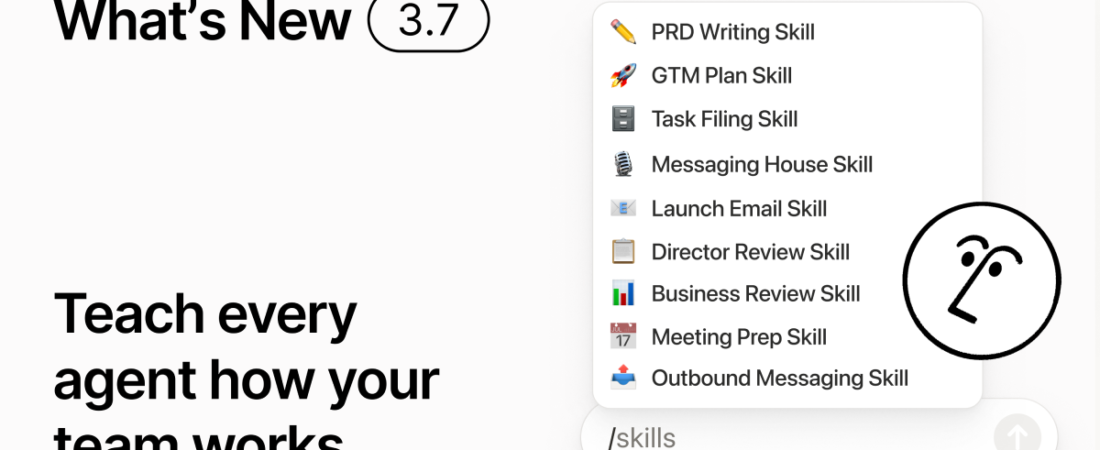
On September 15, Notion shipped 3.7, headlined by Skills: reusable AI instructions that a team can save once and reuse across every AI Agent conversation, instead of re-explaining the same workflow every time. It lands four months after Notion made full AI access a Business-plan-only feature, a change we covered in depth in our Notion AI review. This release adds real capability on top of that shift, and most of the new capability follows the same pattern: powerful, and gated to the paid tiers.
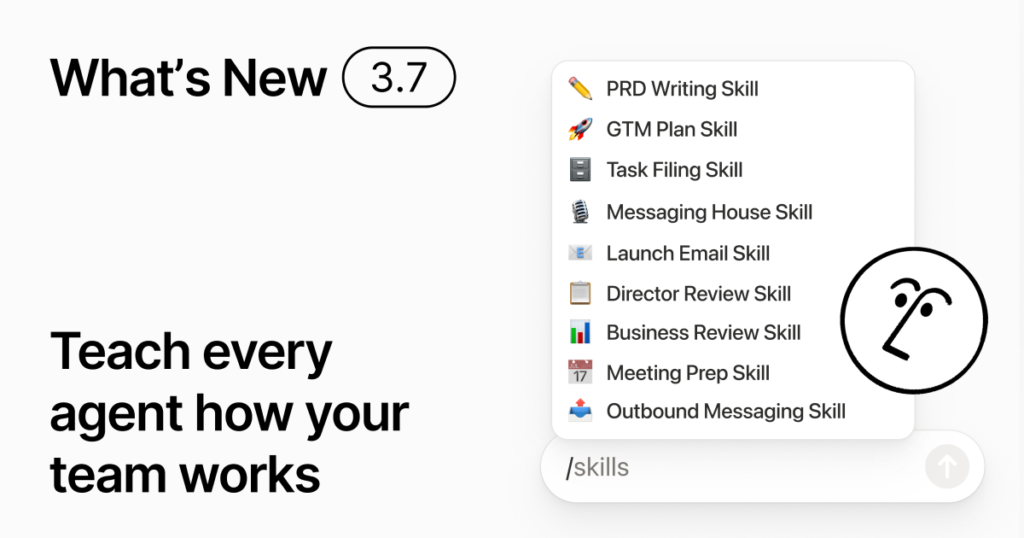
Notion’s official cover for the 3.7 Skills release. Source: Notion.
What Notion AI Skills Actually Does
A Skill is a saved, reusable set of AI instructions that encodes how your team actually does something, a client-onboarding checklist, a weekly report format, a tone-of-voice guide, so a Notion Agent can run it consistently instead of a person re-explaining it in every new chat. Skills live in a shared Skills Library at the workspace level, so a process one teammate builds becomes something the whole team can call up the same way. You can create a Skill by walking a Notion Agent through your process in chat, or accept an AI-suggested Skill based on work Notion has already watched you repeat. Once saved, a Skill is triggered inside an Agent chat with a simple “/” command.
Skills You Can Take With You
The more unusual part of this release is portability. A Notion AI Skill can be downloaded as a standard SKILL.md file and carried into Claude Code, Codex, Cursor, Gemini, and Grok, each with a version-tracking badge so you can tell which copy is current. That is Notion explicitly building for a world where your team’s process documentation is not locked inside one AI vendor’s chat window. Notion also added Custom MCP connections in beta for GitHub and Amplitude, letting a Skill reach further outside Notion itself, and shipped a new Notion Agents app for iOS so the roughly 1,000 agents a workspace can accumulate are reachable from a phone, not just a desktop tab.
Agents That Delegate to Other Agents
Custom Agents can now hand off pieces of a job to other Custom Agents, each with its own instructions and its own access level, rather than one agent trying to do an entire multi-step process alone. Paired with that, Business and Enterprise workspaces get post-meeting automation: a Custom Agent can generate a meeting recap, file action items, and send notifications without anyone asking it to. On the model side, Notion’s picker was redesigned and now includes Opus 5, GPT-5.6 Sol, and Kimi K3 alongside its existing lineup, giving a Custom Agent a genuinely current set of models to choose from depending on the task.
The Admin Controls That Landed First
Skills was not released in isolation. On September 9, Notion quietly shipped model controls that let a workspace owner decide exactly which AI models their team can use for Notion Agent and Custom Agents, and set a default model for Custom Agents workspace-wide, from Settings, Notion AI, General, Model controls. Notion frames this as cost management and compliance: an admin can stop a team from running up usage on an expensive model by accident, or standardize on one model for consistency. Like post-meeting automation, this is a Business and Enterprise plan feature.
What This Means If You Are on a Cheaper Plan
The pattern from our original review is holding
Our Notion AI review documented Notion’s move to retire the cheap standalone AI add-on and fold full AI access into the Business plan. This release does not reverse that. Model controls, Custom MCP connections, and post-meeting automation are all Business/Enterprise-only, and while the core Skills feature and the free-tier AI credits Notion already offered are more broadly reachable, the features that make Skills genuinely powerful for a team, admin governance over cost and which models get used, are firmly behind the same paywall the review flagged.
Skills are worth trying even on a smaller plan
If your workspace already has any Notion AI access, building one or two real Skills, your client-onboarding steps, your weekly-report template, is a low-risk way to see whether the reusability actually saves your team time before deciding whether an upgrade to Business is worth it for the admin controls layered on top.
Portability is the detail worth watching
The ability to export a Skill as SKILL.md and reuse it in Claude Code, Cursor, or another tool matters most if your team already works across more than one AI product. If you live entirely inside Notion day to day, it is a nice-to-have rather than a reason to switch plans on its own.
Frequently Asked Questions
When did Notion 3.7 launch?
September 15, 2026.
Do I need a Business plan to use Skills?
The core Skills feature is broadly available to workspaces with Notion AI access, but the surrounding governance features in this release, model controls and post-meeting automation, are limited to Business and Enterprise plans.
Can I use a Notion Skill outside of Notion?
Yes. Skills can be downloaded as SKILL.md files and used in Claude Code, Codex, Cursor, Gemini, and Grok.
What is the difference between Skills and Custom Agents?
A Skill is a reusable instruction set; a Custom Agent is the AI worker that can run a Skill (and, as of this release, delegate parts of a job to other Custom Agents).
Where do I find model controls?
Settings, then Notion AI, then General, then Model controls, visible to workspace owners on Business and Enterprise plans.
Update: Notion 3.8 (October 13, 2026) turns these exportable Skills into an ongoing sync with a new Skills API, and lets outside agents such as Claude work inside your workspace. Read what is new in Notion 3.8.
For pricing, plan-tier limits, and a full hands-on writeup of Notion’s AI features, see our Notion AI Review.




Start the discussion